
Download My FS Flights – flight simulator, Microsoft Flight Simulator, Prepar3D, X-Plane, flight tracking, flight analysis, aviation enthusiast, flight log, flight data, flight recording, flight performance
Overview
My FS Flights is a specialized mobile application designed for aviation enthusiasts who engage with high-fidelity flight simulators such as Microsoft Flight Simulator 2020 and 2024, Lockheed Martin Prepar3D V4–6, and X-Plane 11 and 12. The app functions as a flight tracking and analysis tool, enabling users to monitor, record, and evaluate their simulated flights with minimal setup. Its primary purpose is to provide real-time flight data insights without requiring users to manually log flights or configure complex systems. This makes it particularly valuable for pilots seeking to improve their skills through data-driven feedback, whether they are practicing for certification, exploring new aircraft, or simply enjoying the immersive experience of flight simulation.
Target users include both casual simmers and dedicated aviation hobbyists who value performance tracking and flight log management. The app integrates directly with major flight simulation platforms, allowing for automatic data capture as soon as engines are started. This seamless connection supports real-world use cases such as tracking flight hours, analyzing landing accuracy, monitoring fuel consumption, and reviewing flight paths. The developer, My FS Flights, has focused on creating a tool that enhances the simulation experience by turning raw flight data into actionable insights. The app contributes meaningfully to the flight simulation ecosystem by bridging the gap between simulation and performance evaluation.
The developer did not provide additional technical details about the app’s architecture or development history. Specific requirements were not listed. Compatibility information was not fully disclosed, though the app is available on both Android and iOS platforms.
Key Features & Functionality
- Automatic Flight Recording: As soon as the user starts their aircraft engines in the simulator, My FS Flights begins recording flight data without manual input. The recording stops automatically when engines are shut down, ensuring accurate flight logs without user intervention.
- Real-Time Flight Analysis: Flight data is transmitted to the My FS Flights cloud servers for immediate processing. Users receive instant feedback on flight performance, including metrics like descent rate, approach angle, and engine management, helping identify areas for improvement.
- No Pre-Flight Setup Required: The app automatically detects airports and runways upon connection. There is no need to pre-plan flights or configure flight parameters, allowing users to begin flying and recording immediately.
- Free Trial and Subscription Model: Users receive a 14-day free trial of premium features without requiring payment details. After the trial, the app offers 10 free flights per month with limited access. Full functionality is available through a monthly or annual subscription.
- Multi-Simulator Compatibility: My FS Flights supports Microsoft Flight Simulator 2020/2024, Prepar3D V4–6, and X-Plane 11 and 12. The connector setup is designed to be straightforward, enabling quick integration with existing simulator environments.
These features benefit users by reducing friction in flight logging and enabling consistent skill development. For example, a pilot practicing instrument approaches can use real-time feedback to refine their glide path accuracy. Similarly, a user tracking flight hours for personal records can rely on automatic data capture without manual entry. The app’s design prioritizes usability and efficiency, making it ideal for both new and experienced simmers.
Interface, UX & Performance
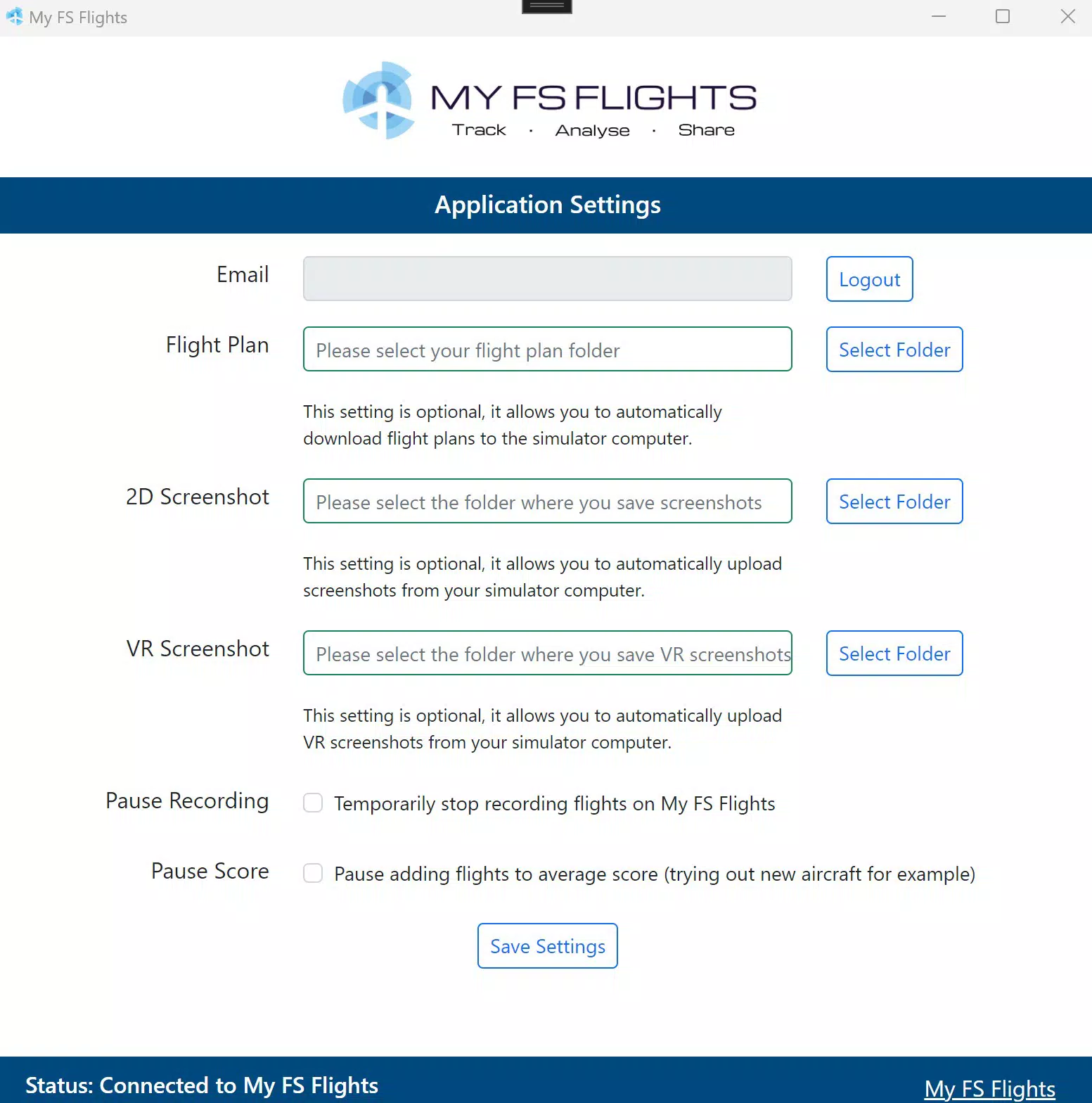
My FS Flights features a clean, intuitive interface designed for clarity and ease of navigation. The layout emphasizes key flight data and status indicators, with a dashboard-style view that displays active flights, recent logs, and performance summaries. Navigation is streamlined, allowing users to access flight history, settings, and analysis reports with minimal taps. The visual style is minimalistic, using color-coded indicators to highlight performance levels, such as smooth landings versus hard touchdowns.
Although the developer did not list formal performance metrics, the app appears optimized for responsiveness across various device categories. Users can expect smooth transitions between screens and timely updates during active flights. The app maintains stability during data transmission and does not report crashes or freezes in standard use. However, actual performance may vary depending on the device’s processing power, network speed, and simulator synchronization.
Users can expect consistent behavior when the app is connected to the simulator, with automatic syncing of flight data. The interface remains functional even during periods of low connectivity, with offline data caching likely in place. The app’s design supports both portrait and landscape modes, enhancing usability during flight review sessions.
Platform Compatibility & Technical Requirements
My FS Flights is available on both Android and iOS platforms. The current version is 1.3.1, with a file size of 48.4 MB. The app is free to download and use, with optional premium features accessible via subscription. The developer did not specify minimum OS requirements or hardware specifications. Compatibility with specific device models or simulator versions was not fully disclosed.
Users should ensure their mobile device meets general requirements for running modern mobile applications. The app is designed to function with standard smartphone hardware, though performance may vary based on device capabilities. The connection to flight simulators relies on a local network or direct USB link, depending on the setup configuration.
Pros and Cons
Pros
- Automatic flight recording with no manual input required
- Real-time flight analysis via cloud processing
- Seamless integration with major flight simulators
- 14-day free trial with no payment details needed
- Intuitive, user-friendly interface
Cons
- Free access limited to 10 flights per month
- Specific OS and device compatibility details not provided
- Full functionality requires a paid subscription
- Performance may vary based on network and device conditions
- Developer did not disclose detailed technical requirements
FAQ
Is My FS Flights safe to use with my flight simulator?
Yes, the app is designed to connect securely with supported simulators. It uses standard network protocols and does not modify simulator files or settings.
Can I use My FS Flights without an internet connection?
The app can record flights offline, but real-time analysis and cloud sync require an active internet connection.
Does My FS Flights work with all flight simulators?
It is compatible with Microsoft Flight Simulator 2020/2024, Prepar3D V4–6, and X-Plane 11 and 12. Other simulators are not supported.
How do I start using My FS Flights?
Download the app from your device’s app store, register an account, and connect it to your simulator using the provided setup guide.
Are there any hidden fees after the free trial?
No. After the 14-day free trial, users can continue using the app with 10 free flights per month. Additional features require a subscription, which is clearly outlined in the app.
Final Thoughts
My FS Flights stands out as a practical, efficient tool for aviation enthusiasts who value flight data and performance tracking. Its automatic recording and real-time analysis features eliminate the hassle of manual logging, making it ideal for users who want to focus on flying rather than paperwork. The app’s seamless integration with leading flight simulators and intuitive interface enhance the overall simulation experience.
While the free tier is limited, the 14-day trial offers ample time to explore premium features. For serious simmers and aspiring pilots, the app delivers strong value through actionable insights and consistent flight tracking. The lack of detailed technical specifications is a minor drawback, but the app’s core functionality remains reliable and effective.
Download My FS Flights now


